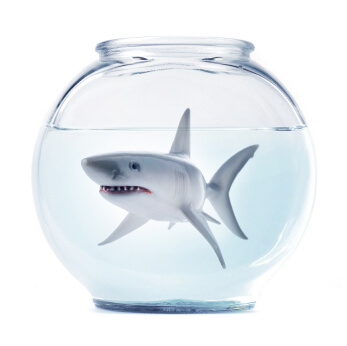
Rage against the dying of the light
A poem by Dylan Thomas that inspires me to keep living with bravery.

A poem by Dylan Thomas that inspires me to keep living with bravery.
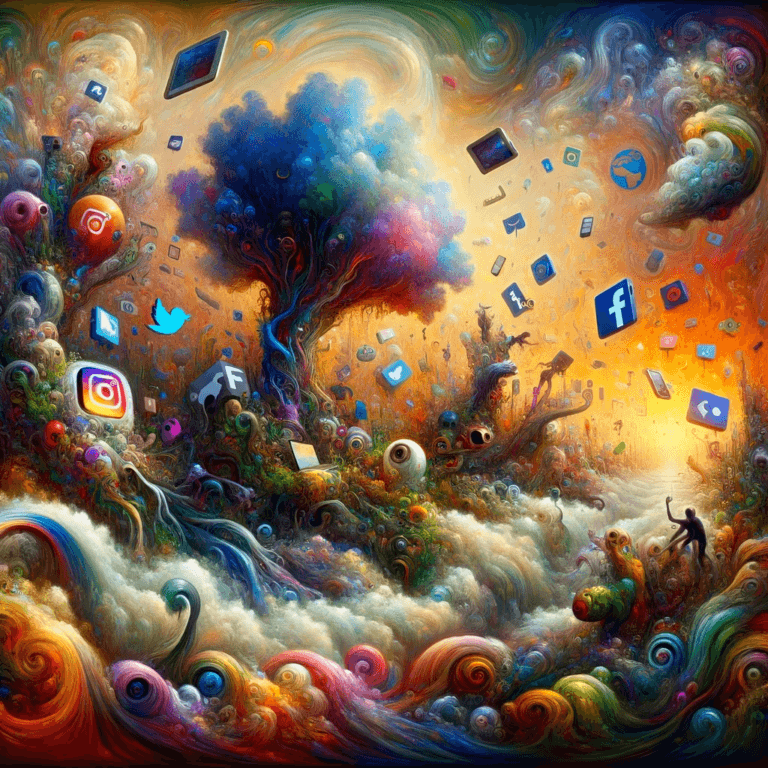
While the big five social networks trade each others content, something else is coming over the horizon.
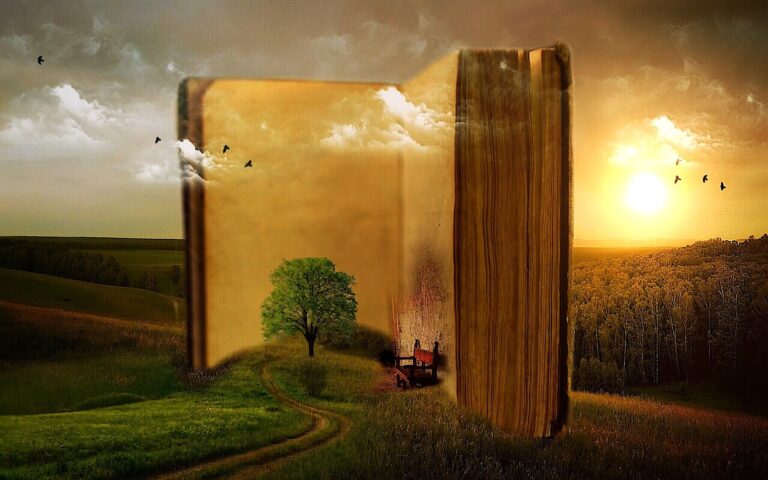
At the end of our life, all we have left is the stories we made.
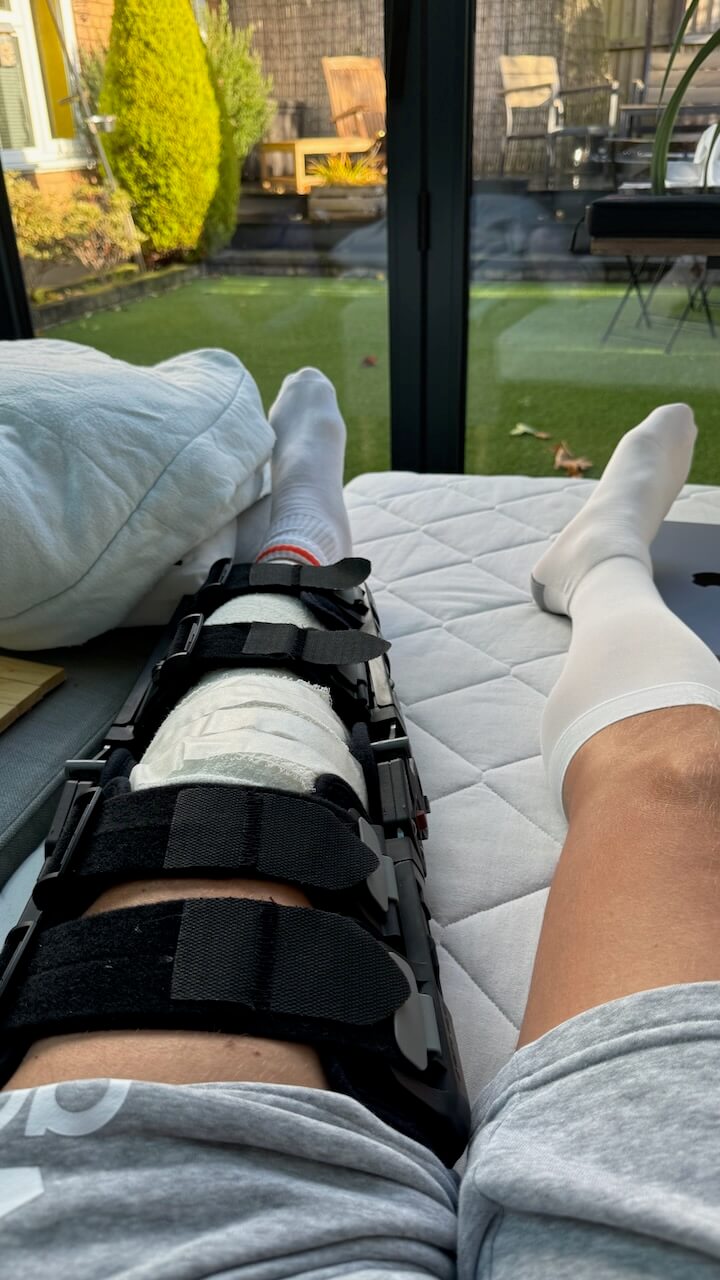
I started a new blog to journal my recovery from ACL surgery back to full fitness.

Looking back on good times is nice, but can we also get something good from reflecting on the bad times?

Success is not a place to reach and rest in.

AI content is everywhere. It’s easy to spot, because it smells.
In this article we explore what creativity is, why it is important, how we sometimes lose it and how to get it back.

Being an affiliate is a great way to create a win/win for everyone… but, unfortunately, many go about it the wrong way.

Keep your support interactions calm with subtle shifts in your communication.